Best Mini PCs for Home Assistant in 2026
Looking for the best mini PC for Home Assistant in 2026? Here are the best low-power x86 mini PCs for HAOS, Proxmox, Zigbee, Thread, Z-Wave, and smart home automation.
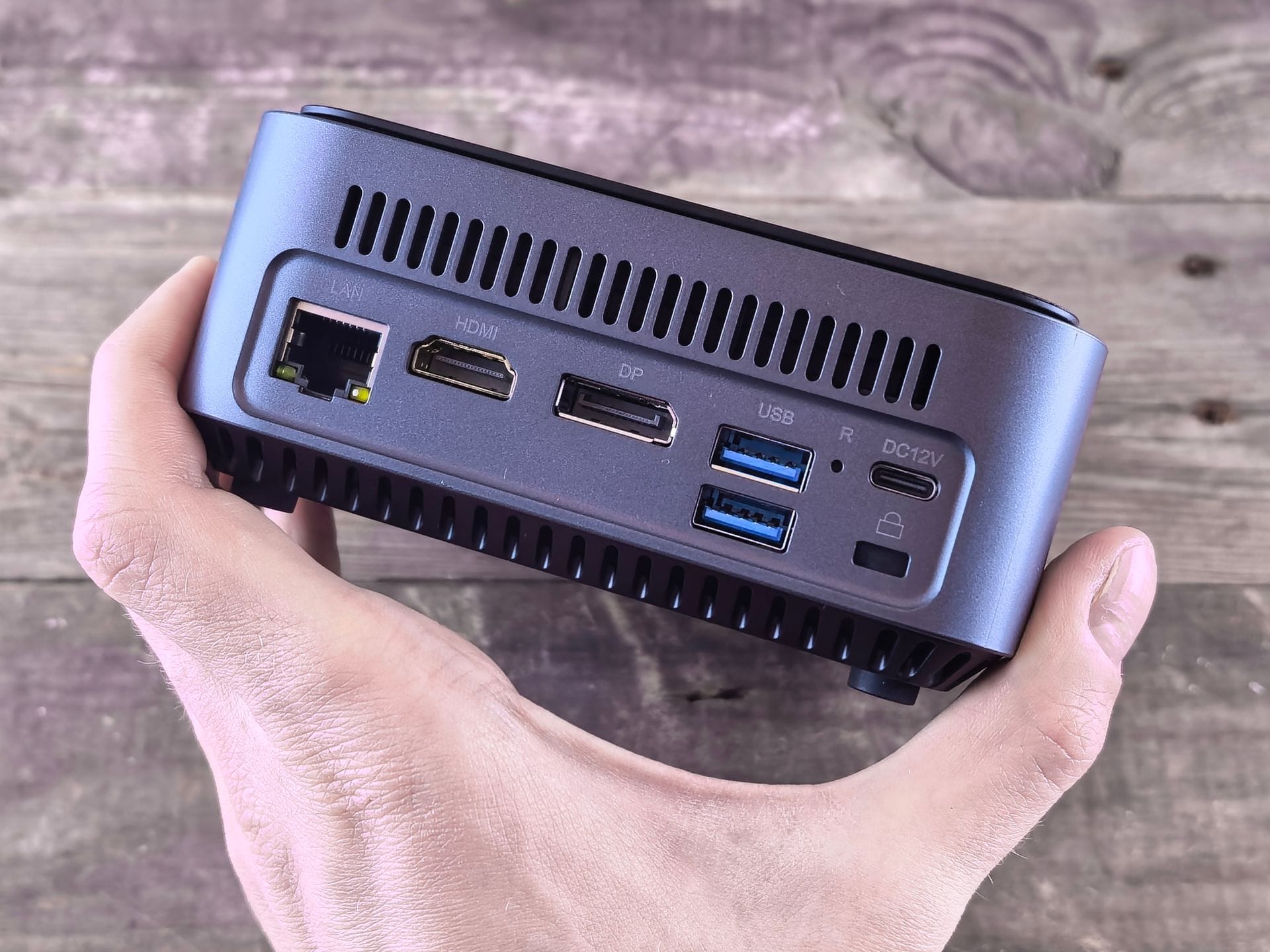
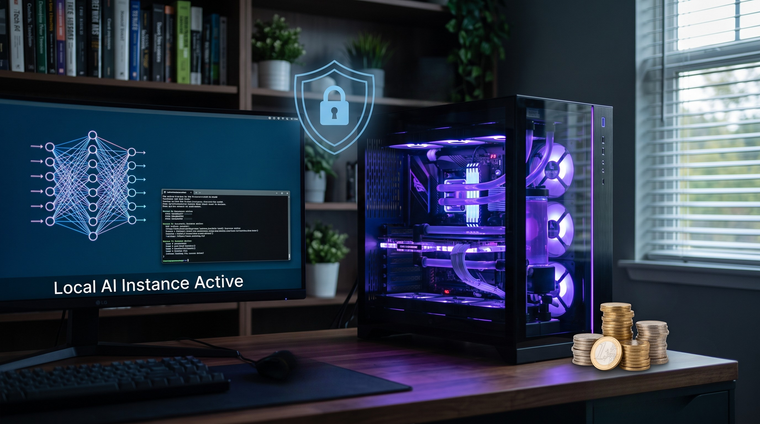
Home Assistant has reached the point where many smart homes have outgrown the Raspberry Pi.
A Pi can still work for smaller setups, but once you start adding Zigbee, Z-Wave, Thread, cameras, dashboards, automations, add-ons, backups, databases, and maybe a few Docker containers, a mini-PC becomes the better long-term choice.
The good news is that you do not need a gaming PC, a power-hungry server, or anything expensive. For most Home Assistant users in 2026, the sweet spot is a low-power x86 mini PC with an Intel N100, N150, N200, N305, or similar efficient processor, 8–16 GB of RAM, an SSD, and wired Ethernet.
This guide breaks down the best mini PCs for Home Assistant in 2026, what specs actually matter, and which machines make the most sense depending on your setup.
Why Use a Mini PC for Home Assistant?
A mini PC gives you the best balance of reliability, power use, expandability, and price.
Compared with a Raspberry Pi, a mini PC usually gives you:
- Faster boot times
- Better SSD support
- More RAM
- Better database performance
- More USB ports
- Built-in wired Ethernet
- Easier backups and restores
- Better support for virtualization
- More room to grow
Home Assistant itself is not extremely demanding, but a smart home server is something you want running 24/7. That makes reliability more important than raw speed.
The ideal Home Assistant mini PC should be boring in the best possible way: quiet, stable, efficient, and easy to recover if something goes wrong.
What Specs Do You Actually Need?
For most Home Assistant users in 2026, this is the practical target:
| Use Case | Recommended Specs |
|---|---|
| Basic Home Assistant only | 4-core CPU, 4–8 GB RAM, 128 GB SSD |
| Typical smart home | Intel N100/N150, 8–16 GB RAM, 256–512 GB SSD |
| Heavy add-ons and dashboards | 16 GB RAM, 512 GB SSD |
| Cameras / Frigate / local AI | Intel N305, Core i3/i5, or AMD Ryzen, 16–32 GB RAM |
| Proxmox with multiple VMs | 16–32 GB RAM, larger NVMe SSD |
The biggest mistake is buying based only on CPU performance. Home Assistant does not need a huge processor for normal automations. What matters more is storage reliability, enough RAM, stable USB ports, and good networking.
If you are installing Home Assistant OS directly on the machine, make sure the mini PC supports UEFI boot and lets you disable Secure Boot. That is important for the official generic x86-64 Home Assistant OS install.
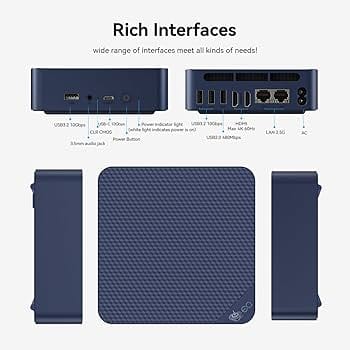
Best Overall Mini PC for Home Assistant: Beelink EQ14 N150
The Beelink EQ14 is one of the best overall choices for Home Assistant in 2026 because it hits the right balance: modern low-power CPU, SSD storage, compact size, quiet operation, and good connectivity.
A typical EQ14 configuration includes an Intel Twin Lake N150 processor, 16 GB of DDR4 RAM, and a 500 GB SSD. That is more than enough for Home Assistant OS, add-ons, dashboards, ESPHome, Mosquitto, Node-RED, backups, and a healthy number of integrations.
The EQ14 is especially interesting because some versions include dual Ethernet, including dual 2.5 GbE options. That is not required for Home Assistant, but it can be useful if you also want to use the mini PC for light server duties, network services, or a small Proxmox setup.
Best for: Most Home Assistant users who want a modern, efficient, set-it-and-forget-it box.
Recommended configuration:
Intel N150, 16 GB RAM, 500 GB SSD
Why it works well:
- Low power consumption
- Quiet operation
- Enough RAM for growth
- Internal SSD storage
- Compact and clean setup
- Better long-term option than a Raspberry Pi with SD card storage
For most homes, this is the kind of machine that will feel overpowered today without being wasteful.
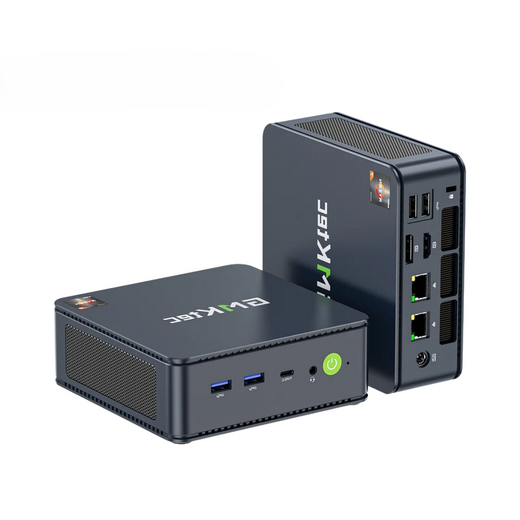
Best Budget Pick: GMKtec NucBox G3 Plus N150
The GMKtec NucBox G3 Plus is another excellent budget-friendly Home Assistant mini PC.
It uses the Intel N150 processor, which is a low-power 4-core chip that is more than capable of running Home Assistant OS. Many configurations come with 8 GB or 16 GB of RAM and a 256 GB or 512 GB NVMe SSD.
The big appeal here is value. If you find one at a good price, it gives you the core specs you want without paying extra for business-class branding.
Best for: Budget-conscious users who still want a proper x86 Home Assistant server.
Recommended configuration:
Intel N150, 16 GB RAM, 512 GB SSD
Why it works well:
- Strong value
- NVMe SSD support
- Low-power processor
- 2.5 GbE Ethernet on many models
- Small footprint
- Enough performance for most add-ons
The only caution is availability and model variation. Mini PC brands sometimes sell very similar-looking units with different RAM, SSD, Ethernet, or Wi-Fi configurations. Check the exact listing before buying.
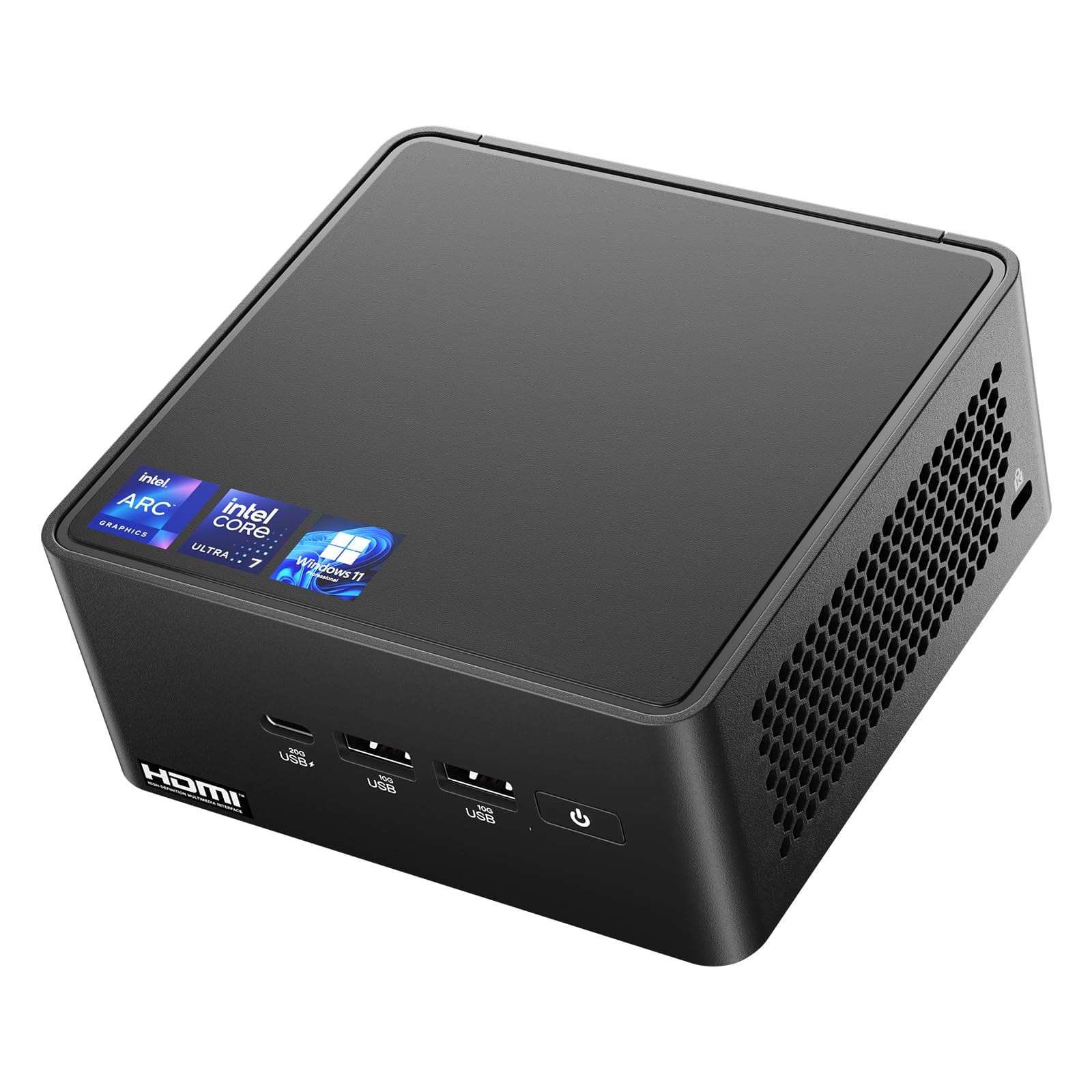
Best “Known Brand” Option: ASUS NUC 14 Essential
If you want something closer to the old Intel NUC experience, the ASUS NUC 14 Essential is one of the safer choices.
ASUS took over the NUC line after Intel exited that market, and the NUC 14 Essential is aimed at efficient office and everyday computing rather than gaming or high-performance workloads. That makes it a good fit for Home Assistant.
Depending on configuration, the NUC 14 Essential can come with Intel N-series processors such as N97, N150, N250, or Core 3 N355. For Home Assistant, the N150 or N250 models are already plenty.
Best for: Users who want a more established brand and a NUC-style platform.
Recommended configuration:
Intel N150 or better, 8–16 GB RAM, 256–512 GB SSD
Why it works well:
- NUC-style form factor
- Good Linux-friendly platform
- Efficient CPU options
- Clean professional design
- Better support expectations than many no-name mini PCs
The downside is price. ASUS NUC models often cost more than Beelink or GMKtec boxes with similar raw specs. For many users, the extra cost is worth it for brand confidence and support.
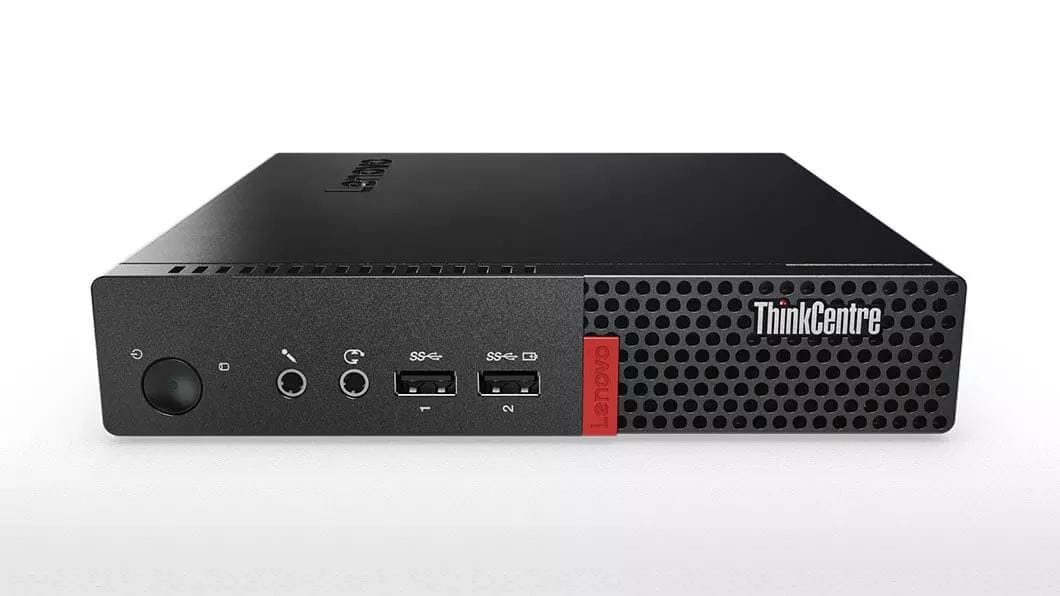
Best Used Mini PC: Lenovo ThinkCentre Tiny
A used Lenovo ThinkCentre Tiny can be one of the best values for Home Assistant.
Models like the ThinkCentre M70q, M710q, M720q, M920q, and similar Tiny-series machines are small business desktops built for reliability. They are often available refurbished or used at reasonable prices.
Even an older 6th, 7th, 8th, or 9th gen Intel Core i5 Tiny can easily handle Home Assistant. In many cases, it will be faster than newer low-power N100/N150 mini PCs, though it may use more electricity.
Best for: People who want business-grade reliability and do not mind buying used.
Recommended configuration:
Intel Core i5, 8–16 GB RAM, 256–512 GB SSD
Why it works well:
- Business-class hardware
- Easy to find used
- Durable build quality
- Usually easy to service
- Strong performance
- Good option for Proxmox
The tradeoff is power consumption. A used business mini PC may draw more power than a modern N100 or N150 mini PC. That does not automatically make it a bad choice, but it matters for a server running 24/7.
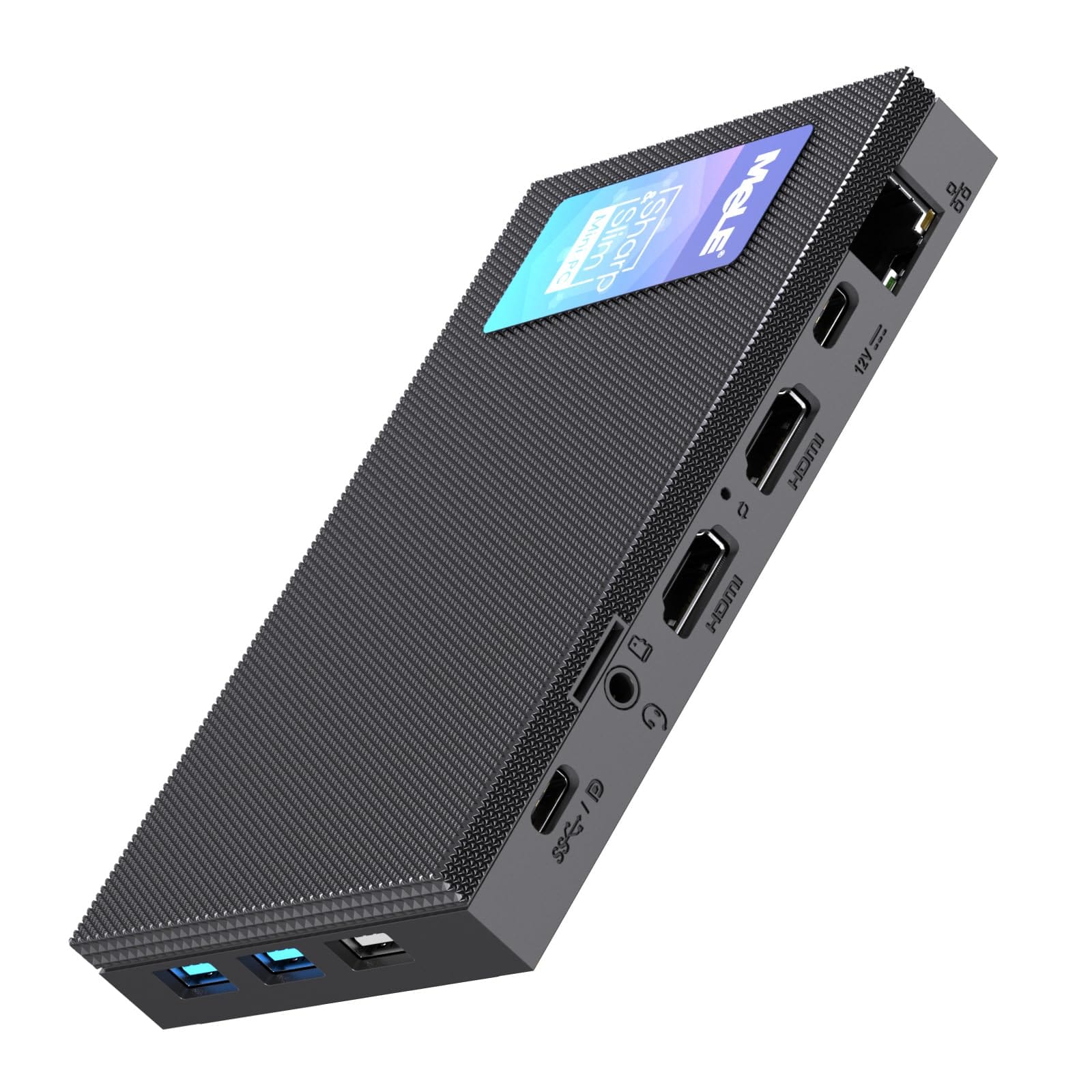
Best Fanless Option: MeLE Quieter 4C
If silence is your top priority, a fanless mini PC like the MeLE Quieter 4C can be a good Home Assistant box.
Fanless systems have no moving parts, which means no fan noise and one less mechanical part to fail. That makes them attractive for bedrooms, living rooms, network closets, or apartments.
However, fanless systems also have less thermal headroom. They are great for Home Assistant OS, light add-ons, MQTT, ESPHome, and dashboards. They are not the best choice for heavier workloads like video processing or multiple virtual machines.
Best for: Silent Home Assistant setups.
Recommended configuration:
Intel N100 or similar, 8–16 GB RAM, 256 GB or larger SSD/eMMC
Why it works well:
- Silent operation
- Low power use
- Compact size
- Good for basic to medium Home Assistant installs
Before buying, confirm the storage type. An SSD is preferable to eMMC if you want better long-term durability and performance.
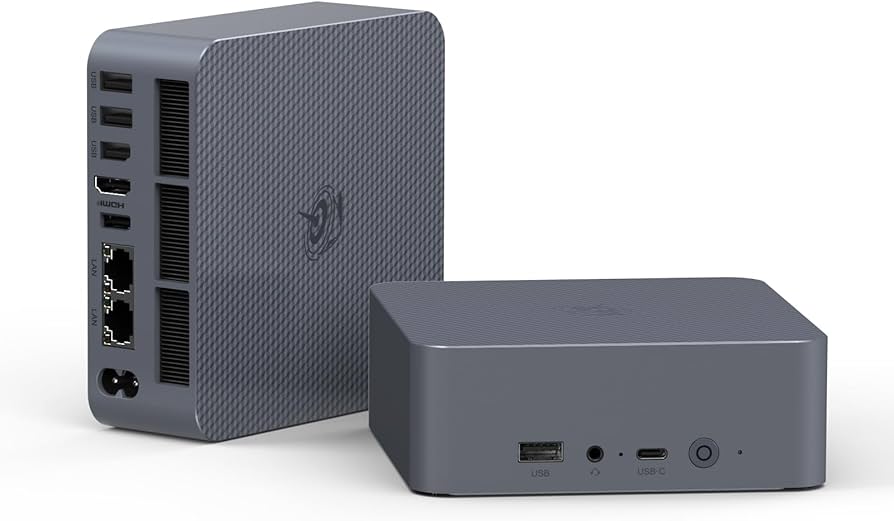
Best Higher-Power Option: Beelink EQi12 or Similar Core i5 Mini PC
Most Home Assistant users do not need a Core i5 mini PC. But there are cases where it makes sense.
If you want to run Home Assistant in Proxmox alongside other services, a more powerful mini PC gives you extra breathing room. This is useful if the same machine will also host things like:
- Plex or Jellyfin
- Pi-hole or AdGuard Home
- Frigate
- MQTT
- Node-RED
- File syncing
- Small Docker services
- Test VMs
- Local dashboards
- Network tools
A Beelink EQi12, EQi13, Lenovo Tiny, HP EliteDesk Mini, Dell OptiPlex Micro, or similar Core i5-class machine gives you much more CPU headroom than an N100/N150 box.
Best for: Home Assistant plus homelab services.
Recommended configuration:
Intel Core i5, 16–32 GB RAM, 512 GB to 1 TB SSD
Why it works well:
- Great for Proxmox
- More RAM options
- More CPU headroom
- Better for cameras and containers
- Can replace multiple small devices
The downside is that it may use more power and cost more upfront. If all you want is Home Assistant OS, this is probably overkill.
Should You Run Home Assistant Bare Metal or in Proxmox?
There are two common ways to run Home Assistant on a mini PC:
- Home Assistant OS directly on the mini PC
- Home Assistant OS as a virtual machine inside Proxmox
For most people, bare metal Home Assistant OS is the easiest and cleanest option. It gives you the official supervised Home Assistant experience with add-ons, backups, updates, and minimal maintenance.
Proxmox makes sense if you want the mini PC to do more than Home Assistant. For example, you might want Home Assistant in one VM, Pi-hole in another container, and a small Linux server for Docker projects.
Choose bare metal if you want simplicity. Choose Proxmox if you are comfortable managing a small homelab.
Do You Still Need Zigbee, Thread, or Z-Wave Hardware?
Yes. A mini PC runs Home Assistant, but it does not automatically replace smart home radios.
For Zigbee or Thread, you will still want a compatible adapter such as the Home Assistant Connect ZBT-2 or another supported coordinator. For Z-Wave, you need a Z-Wave adapter. For Bluetooth, many mini PCs include built-in Bluetooth, but a dedicated adapter may perform better depending on placement.
One important tip: do not plug your Zigbee adapter directly into a noisy USB 3.0 port if you can avoid it. Use a USB extension cable and move the radio away from the mini PC, router, SSDs, and other sources of interference. This small change can make a huge difference in Zigbee reliability.
What About Home Assistant Green?
Home Assistant Green is still the easiest official option for beginners. It is plug-and-play, low power, and designed specifically for Home Assistant.
However, a mini PC is more flexible. If you want more storage, more RAM, faster backups, better database performance, or the option to run Proxmox later, a mini PC is the stronger long-term choice.
Choose Home Assistant Green if you want the simplest official setup. Choose a mini PC if you want more power and flexibility.
Quick Recommendations
If you just want the answer, here is the short version:
Best overall: Beelink EQ14 N150
A great balance of price, performance, power use, and storage.
Best budget pick: GMKtec NucBox G3 Plus N150
Affordable, efficient, and powerful enough for most Home Assistant installs.
Best known-brand choice: ASUS NUC 14 Essential
A cleaner, more established NUC-style option with efficient Intel N-series CPUs.
Best used option: Lenovo ThinkCentre Tiny
Excellent reliability and value if you are comfortable buying refurbished.
Best silent option: MeLE Quieter 4C
A good fanless choice for quiet rooms and smaller setups.
Best for Proxmox: Core i5 mini PC such as Beelink EQi12, Lenovo Tiny, HP EliteDesk Mini, or Dell OptiPlex Micro
Better if you want Home Assistant and other self-hosted services.
Final Thoughts
The best mini PC for Home Assistant in 2026 is not the most powerful one. It is the one that can run quietly and reliably every day without wasting electricity.
For most people, an Intel N100 or N150 mini PC with 16 GB of RAM and a 256–512 GB SSD is the sweet spot. It gives Home Assistant plenty of room to grow, handles add-ons comfortably, and avoids the storage reliability issues that can come with SD card-based setups.
If you are building a new Home Assistant server today, skip the bargain-bin thin clients with unknown storage, avoid underpowered machines with tiny eMMC drives, and focus on a simple x86 mini PC with an SSD, Ethernet, and enough USB ports for your smart home radios.
The smart home should be local, reliable, and boring in the best way possible. A good mini PC gets you there.
💡 Important Disclosure
This article contains affiliate links, which means I may earn a small commission if you click through and make a purchase—at no additional cost to you. These commissions help support the ongoing creation of helpful content like this. Rest assured, I only recommend products and services I personally use or genuinely believe can provide value to you.
Thanks for Your Support!
I truly appreciate you taking the time to read my article. If you found it helpful, please consider sharing it with your friends or fellow makers. Your support helps me continue creating content like this.
- Leave a Comment: Got questions or project ideas? Drop them below—I'd love to hear from you!
- Subscribe: For more tutorials, guides, and tips, subscribe to my YouTube channel and stay updated on all things tech!
- Shop & Support: If you're ready to get started, check out the recommended products in my articles using my affiliate links. It helps keep the lights on without costing you anything extra!
Thanks again for being part of this community, and enjoy building!
Binary Tech Labs
YouTube content creator that provides tech tutorials and reviews on Home Assistant, IoT devices, Raspberry Pi and other Single Board Computers