Why Run AI Locally? Privacy, Cost, and Control — The Case for Self-Hosted AI!
Cloud AI is convenient — until you look at the subscription bill and think about where your data goes. Here's why running AI on your own hardware is the next chapter of the self-hosting story and how easy it's become to start.
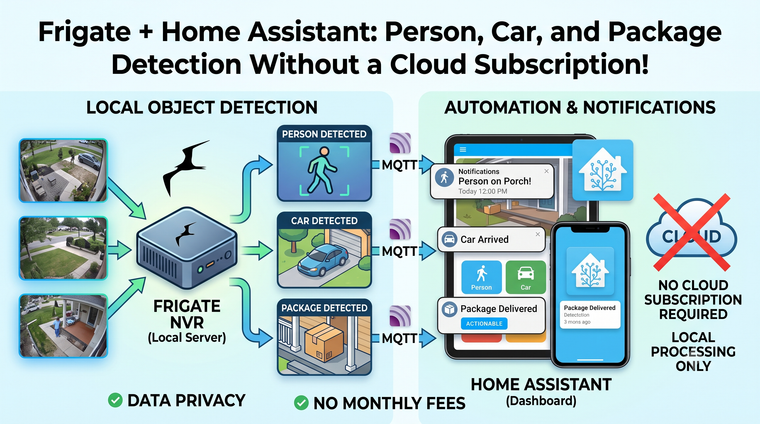
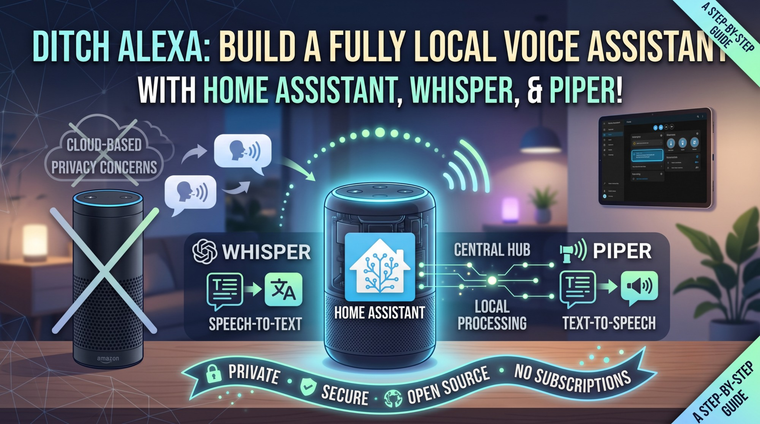
If you've been around Binary Tech {LABS} for a while, you already know the philosophy: your smart home shouldn't stop working when the internet goes down, your camera footage shouldn't live on someone else's server, and a $40 thin client from eBay can do more than most people's cloud subscriptions. Well, there's a new chapter in that story, and it's a big one — artificial intelligence you run yourself, on your own hardware, in your own home.
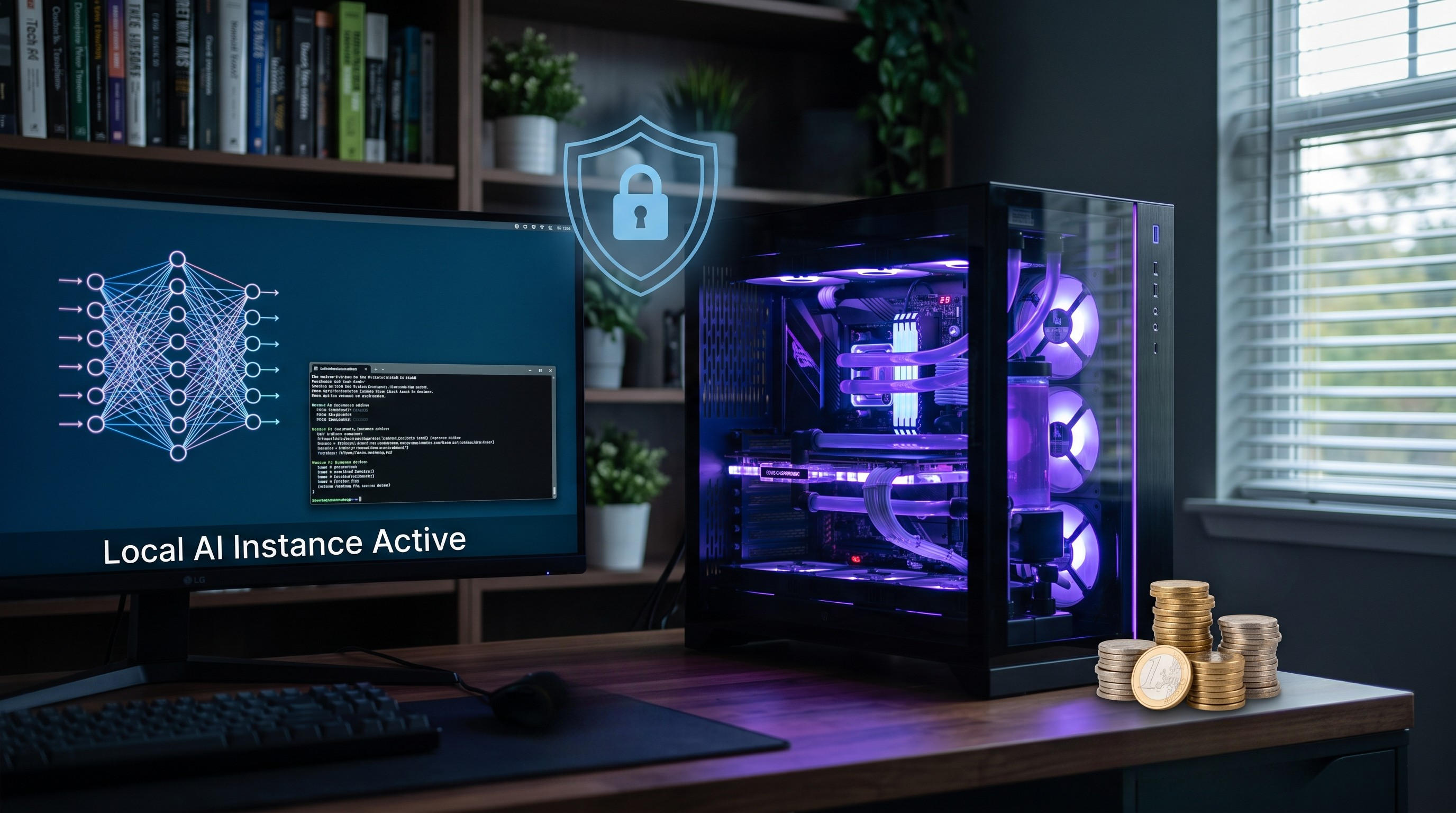
A few years ago, running a capable AI model at home was a fantasy reserved for research labs with server rooms. Today? You can have a ChatGPT-style assistant running on the same mini PC that hosts your Home Assistant instance, answering questions, summarizing documents, and powering your voice assistant — without a single byte leaving your network. The tools are free, open source, and honestly easier to set up than Zigbee was in 2022.
So before we dive into the tutorials (and there are a lot of them coming), let's answer the big question: why bother? Cloud AI works fine, right? Just like cloud cameras "work fine" — until you look a little closer. Here is the case for self-hosted AI, built on the same three pillars that brought you to self-hosting in the first place: privacy, cost, and control.
A Quick Bit of Background: How Did Home AI Get Possible?
Large language models (LLMs) — the technology behind ChatGPT, Claude, and Gemini — were originally so enormous that only datacenters could run them. Two things changed that:
- Open-weight models. Companies like Meta (Llama), Mistral, Alibaba (Qwen), and Google (Gemma) began releasing models anyone can download and run. The open-model community exploded, and today's small models outperform the giant cloud models of just a couple of years ago.
- Quantization. Clever compression techniques (you'll see the term GGUF a lot) shrink models to a fraction of their original size with surprisingly little quality loss. A model that once needed 80 GB of datacenter GPU memory can now run in 8 GB on a used gaming card — or even on a CPU.
Combine that with dead-simple tools like Ollama (think "Docker for AI models" — one command and you're chatting), and the barrier to entry has collapsed. This is the same story as the thin-client home lab: yesterday's enterprise-only tech is today's weekend project.
Reason 1: Privacy — Your Prompts Are Data, Too
Every question you type into a cloud AI is a data point on someone else's server. And think about what people actually ask these assistants: health worries, financial decisions, work documents, family schedules, the contents of their email. It's some of the most personal data you generate — more revealing than your search history, because you write it in full sentences.
Now extend that to the smart home. If you want AI to do genuinely useful things — announce who's at the door, summarize what happened while you were out, listen for voice commands in every room — it needs your camera feeds, your presence data, and an always-on microphone. Do you want that pipeline running through a third-party cloud? We've covered enough security-camera horror stories on this blog to know the answer.
Local AI closes the loop. When Whisper transcribes your voice on your own server, when a local model reads your documents, when Frigate watches your cameras — nothing leaves the house. There's no privacy policy to read, because there's no third party. Your data is handled exactly the way you configure it, full stop.
Reason 2: Cost — Subscriptions Add Up, Used Hardware Doesn't
Let's do the math the way we did for cloud cameras. AI subscriptions run about $20 per month per service — and the way things are going, you won't stop at one. An AI chat subscription, an AI note-taker, an AI coding assistant, AI camera alerts... you can easily hit $40–60 a month. That's $500–700 a year, every year, forever, and prices only ever move in one direction.
Meanwhile, on the self-hosted side:
- You may already own the hardware. A mini PC or SFF box with 16 GB of RAM will run small models today, right alongside your other services.
- A used GPU is a one-time buy. A secondhand RTX 3060 12GB runs capable models comfortably; a used RTX 3090 24GB — the darling of the local AI community — runs genuinely powerful ones. One year of subscription money buys the former; two years buys the latter. After that, every token is free.
- The software costs nothing. Ollama, Open WebUI, Whisper, Piper, ComfyUI — all free and open source.
And unlike a subscription, hardware does double duty: that GPU also handles your camera object detection, photo library face search, and media transcoding. (Power draw matters, of course — we measure everything here, and a full "watts and dollars" breakdown is coming in the budget AI server build post.)
Reason 3: Control — No Rug Pulls, No Filters, No Internet Required
This is the reason that resonates most with self-hosters, because we've all been burned before. Cloud services change models overnight, retire features you depend on, add usage caps, and shut down APIs. If you've ever had a smart home integration die because a company "sunset" its cloud, you know exactly how this movie ends.
When you self-host AI:
- Your model never changes unless you change it. The exact model that works for your automations today will behave identically in five years.
- It works offline. Internet outage? Your voice assistant still turns the lights on, and your kitchen tablet still answers questions. Try that with Alexa.
- You pick the model for the job. A tiny, fast model for voice commands; a bigger one for document work; an uncensored one if the polite refusals get in your way. It's your server — your call.
- You can go weird with it. Wire an LLM into Home Assistant as a conversation agent. Have it write your automation YAML. Generate a morning briefing from your calendar, sensors, and the weather — read aloud by a local Piper voice. This is the fun part, and the cloud services simply don't let you do it at this depth.
Let's Be Honest: The Trade-Offs
We don't do hype here, so let's be clear about what you're signing up for. Local models are smaller than frontier cloud models. A model running on your 12 GB GPU will not out-reason the latest datacenter-scale cloud model — for heavy research or gnarly coding problems, the cloud still wins on raw brains. Local AI wins on privacy, price, latency, and integration — and for the daily 90% (questions, summaries, voice control, automations), today's local models are honestly more than enough.
There's also a learning curve — but if you've followed our Docker or Home Assistant guides, you already have every skill you need. This is docker compose up territory, not a research project.
Getting Started: Your First Local AI in 15 Minutes
Here's the on-ramp, and yes — each step is getting its own full guide:
- Install Ollama on any machine you have — your home lab box, a mini PC, even your desktop. One installer, one command:
ollama run llama3.2and you're chatting with a local model. - Add Open WebUI in Docker for a slick, ChatGPT-style web interface the whole household can use — complete with document chat and user accounts.
- Point it at your smart home. Home Assistant's Ollama integration turns your local model into a conversation agent, and the fully local voice pipeline (Whisper for ears, Piper for voice) means you can finally show Alexa the door.
That's the whole entry fee: an hour of tinkering on hardware you probably already own.
The Road Ahead
This post kicks off a whole new pillar here at Binary Tech {LABS}. Coming up: the beginner's guide to Ollama and Open WebUI, what hardware you actually need (from Raspberry Pi to used datacenter GPUs), building a fully local voice assistant for Home Assistant, camera AI with Frigate, chatting with your own documents, and much more — alongside a deeper dive into the self-hosted apps that replace Big Tech's cloud one subscription at a time.
The mission hasn't changed since day one: your home, your hardware, your data. AI just raised the stakes — and self-hosting is how we answer.
What do you want to see first — the budget AI server build, or the local voice assistant? Drop a comment and let us know!
Thanks for Your Support!
I truly appreciate you taking the time to read my article. If you found it helpful, please consider sharing it with your friends or fellow makers. Your support helps me continue creating content like this.
- Leave a Comment: Got questions or project ideas? Drop them below—I'd love to hear from you!
- Subscribe: For more tutorials, guides, and tips, subscribe to my YouTube channel and stay updated on all things tech!
- Shop & Support: If you're ready to get started, check out the recommended products in my articles using my affiliate links. It helps keep the lights on without costing you anything extra!
Thanks again for being part of this community, and enjoy building!
Binary Tech Labs
YouTube content creator that provides tech tutorials and reviews on Home Assistant, IoT devices, Raspberry Pi and other Single Board Computers