
Tutorial
8 articles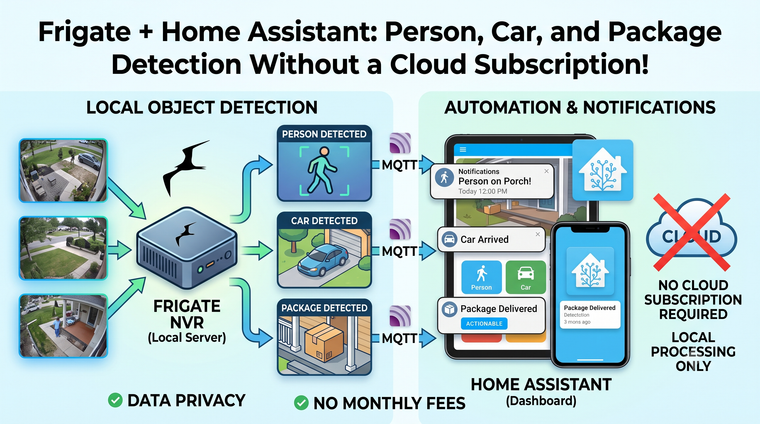
Frigate + Home Assistant: Person, Car, and Package Detection Without a Cloud Subscription!
Cloud cameras charge you monthly to watch your own house. Frigate flips that: real-time person, car, and package detection on your own hardware, wired straight into Home Assistant — no subscription, no footage leaving your network.
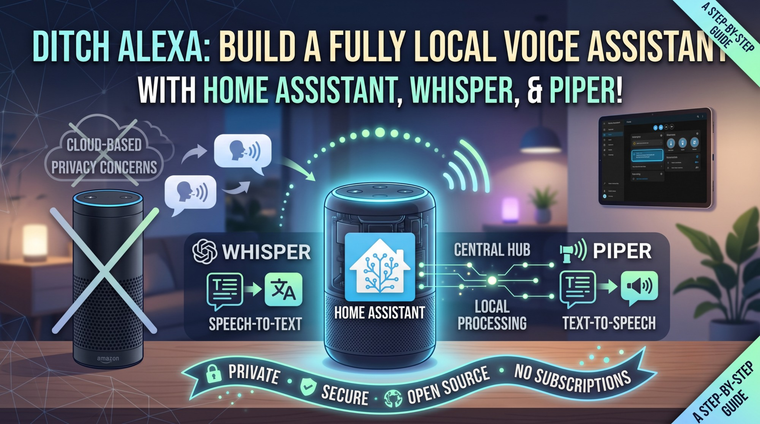
Ditch Alexa: Build a Fully Local Voice Assistant with Home Assistant, Whisper, and Piper!
Alexa and Google listen in from the cloud. Your smart home can do better. Here's the full recipe for a voice assistant that runs 100% on your own hardware — wake word, speech-to-text, and a voice to answer back — using Home Assistant Assist, Whisper, and Piper.
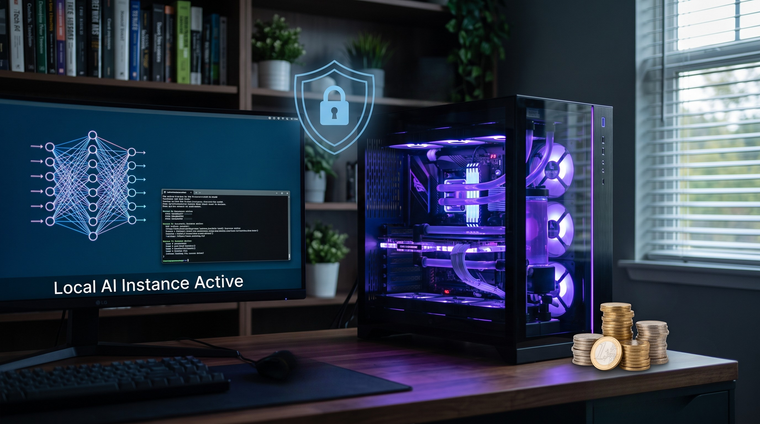
Why Run AI Locally? Privacy, Cost, and Control — The Case for Self-Hosted AI!
Cloud AI is convenient — until you look at the subscription bill and think about where your data goes. Here's why running AI on your own hardware is the next chapter of the self-hosting story and how easy it's become to start.
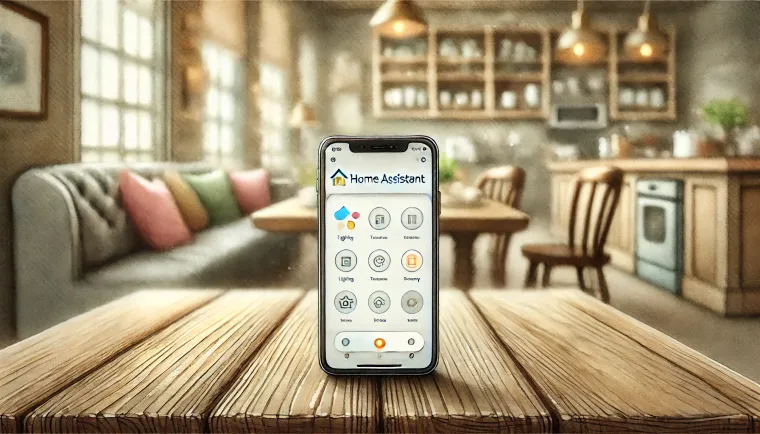
Harness the Power of the Home Assistant Companion App: Your Smart Home, Anywhere
Discover how the Home Assistant Companion App enhances your smart home experience with remote access, automation, and notifications. Perfect for users seeking seamless control from anywhere.
MQTT Install As Home Assistant Add-On Or Self Hosted!
How do you install an MQTT Broker? This blog post will also show you how to use Docker to self-host, as well
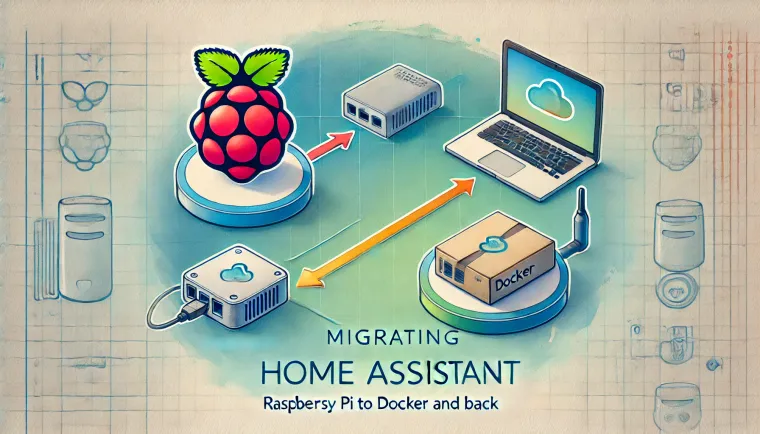
At Last, The Secret To Migrating Home Assistant To / From Docker!
Learn the step-by-step process of migrating Home Assistant to and from Docker with this comprehensive guide. Discover how to move your Home Assistant instance between Docker and Raspberry Pi, ensuring smooth transitions without losing your configurations.

USB Serial Device Passthrough to Docker Container // Home Assistant
Learn how to pass a USB dongle through to a Docker container in this step-by-step guide. Whether you're using Home Assistant or another system, this guide simplifies the process of configuring USB device access in Docker, especially for Linux users. Discover practical tips for seamless integration
Install Home Assistant Community Store {HACS}!
Learn how to install and configure the Home Assistant Community Store (HACS) to unlock powerful custom add-ons for your smart home setup. This step-by-step guide covers installation via SSH, Docker, and VM, helping you enhance your Home Assistant experience.